Focus and Navigation Through the Tree
Focus in bspwm is a pointer in the tree. The focused node is whichever node currently holds the user’s attention. This node is typically a leaf containing a window, though technically focus can exist on an internal node during tree manipulation operations. The focused node receives keyboard input and is visually distinguished by having a different border color than unfocused nodes.
Navigation commands change focus by traversing the tree structure or by evaluating spatial relationships. The fundamental directional navigation commands are bspc node --focus north, bspc node --focus south, bspc node --focus east and bspc node --focus west. These commands attempt to move focus in the specified direction, but what does “move focus east” mean in the context of a binary tree?
Note
bspwm offers two algorithms for directional focus, controlled by the
directional_focus_tightnesssetting. The first algorithm, used when this setting ishighfinds the node on the other side of the focused window’s edge in the target direction by consulting the tree structure. If you focus east, bspwm walks up the tree until it finds an ancestor that has a child to the east, then descends into that child, choosing the leftmost or rightmost descendant depending on whether you are moving east or west. This algorithm is fast and deterministic but can feel unintuitive because it depends on tree structure rather than visual proximity.
The second algorithm, used when the setting is low finds the nearest window in the target direction based on geometric distance. bspwm calculates the Euclidean distance between the focused window’s center and the centers of all other windows, then selects the closest window that lies in the specified direction. This feels more natural visually but is slower and can produce unexpected results when windows overlap in unusual configurations.
New users often find directional focus unpredictable, especially with the tree-based algorithm. They press east and expect to move to the visually adjacent window on the right, but instead focus jumps across the screen to a distant window that happens to be the first child of a sibling subtree. This behavior is perfectly logical from the tree’s perspective—you are moving to the first descendant of the parent’s other child—but it does not match the visual layout’s spatial intuition.
Tip
Understanding this requires internalizing the tree structure. If you have three windows arranged such that window one is on the left half, window two is on the top right quarter, and window three is on the bottom right quarter, the tree structure might be: root splits vertically with window one on the left and an internal node on the right, and that internal node splits horizontally with window two above and window three below. If focus is on window one and you press east, bspwm ascends to the root, moves to the right child (the internal node), then descends to that node’s first child, which is window two. You skip over window three entirely, even though it is also to the east, because window two is the first child of the right subtree. To reach window three from window one, you would need to press east twice, or press next to cycle through siblings. (See Figure 1.3)
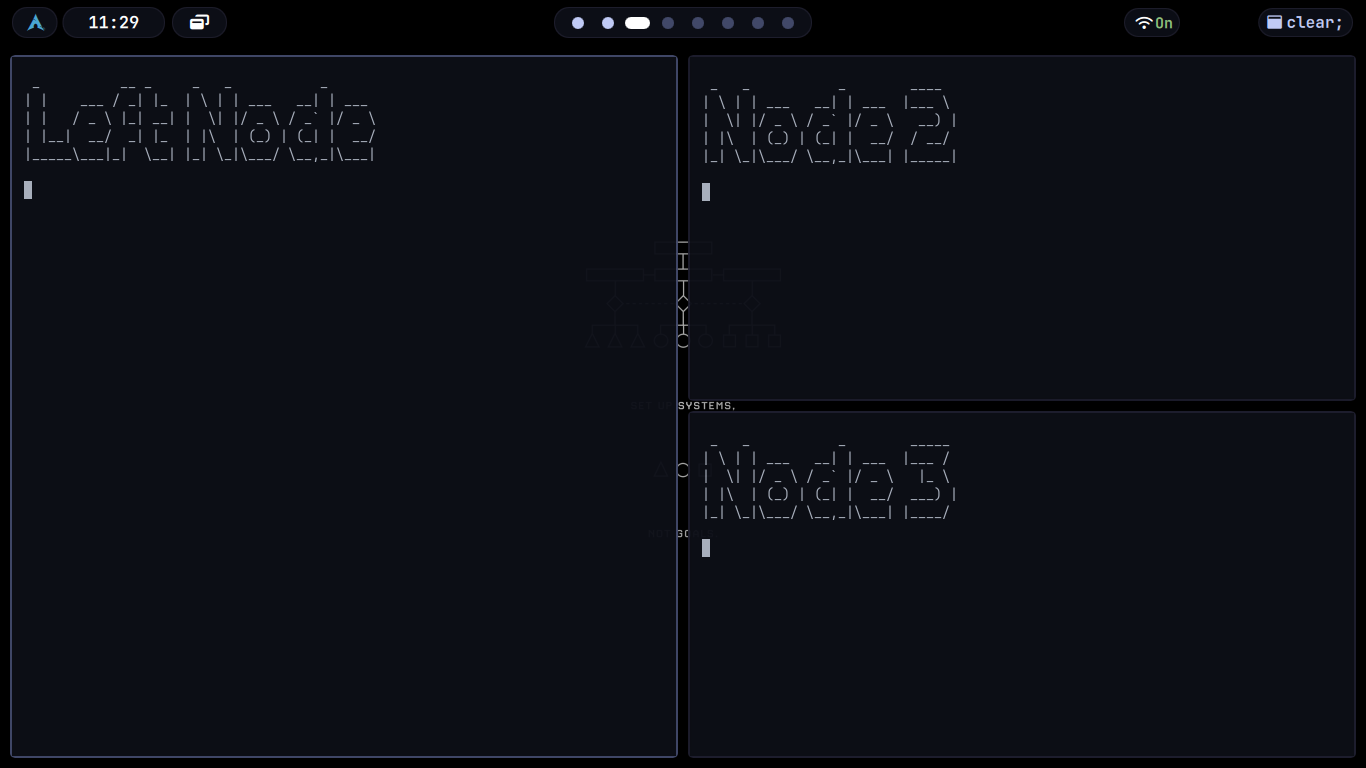
This is why focus behavior becomes predictable once you understand the tree. The tree is the map. Direction commands navigate that map, not the visual space.